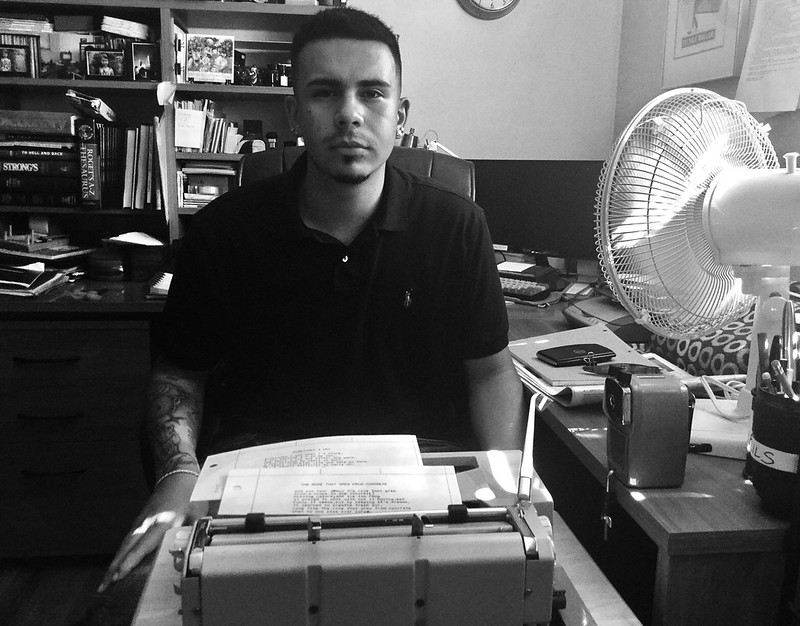
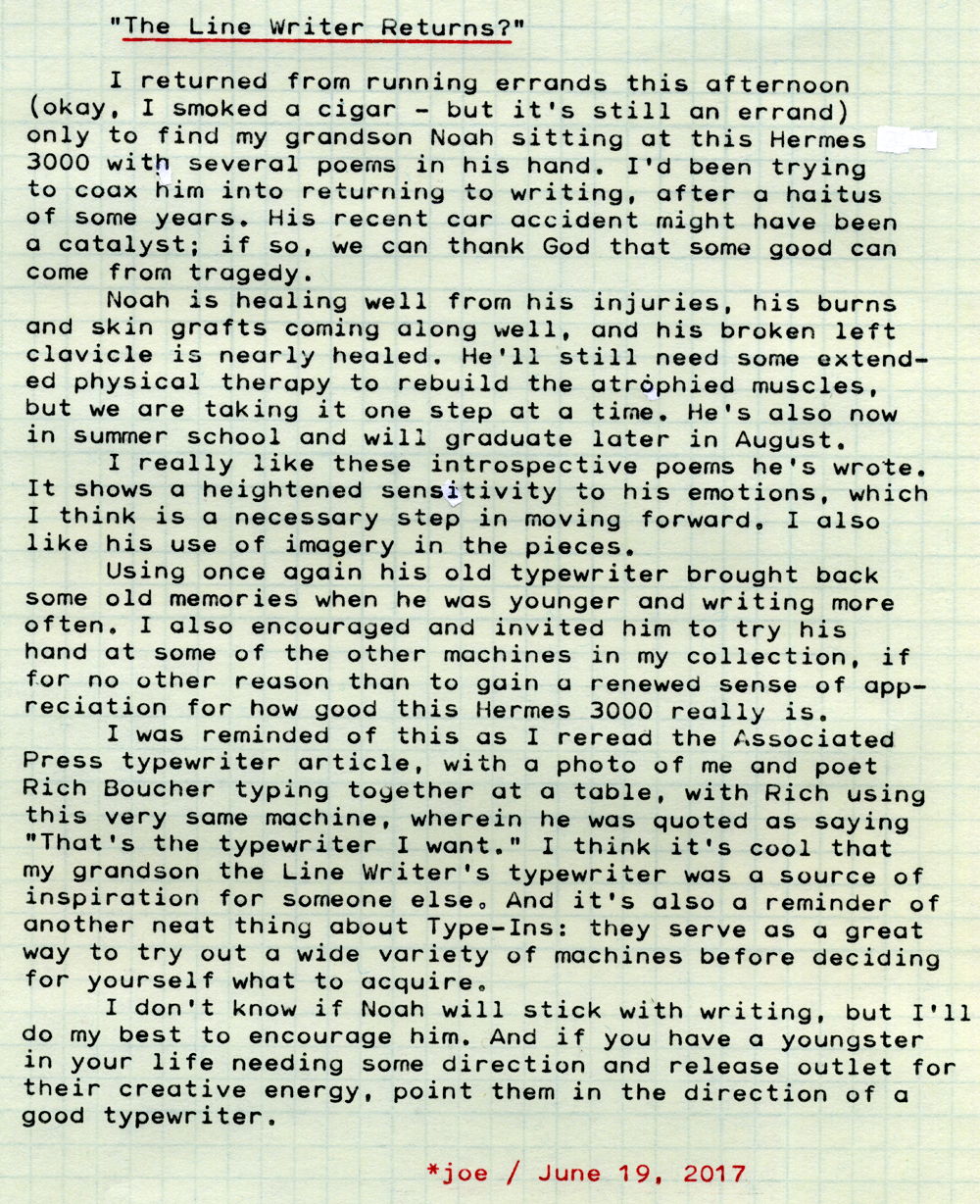
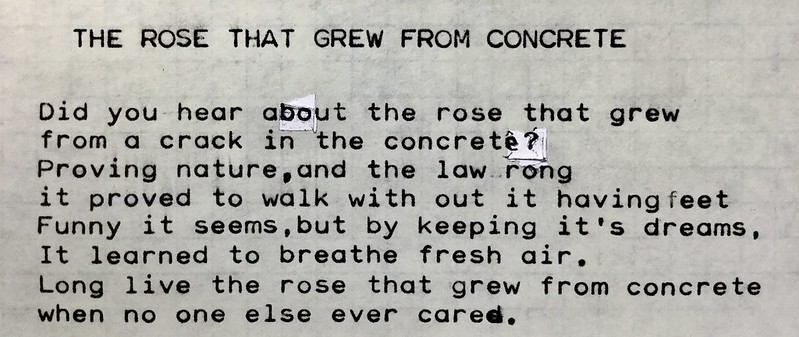
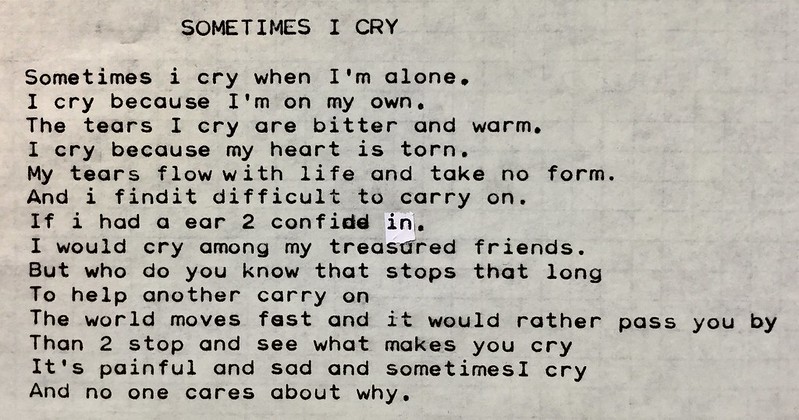
Post-Script: Here are the two poems Noah wrote today:
It's easy to see coincidences where there perhaps aren't any, but earlier today I'd posted a video and blog article about the first in a series of Typing Assignments. Do things like this blow on the wind, like pollen or dust? The very day when I issued this first creative writing assignment, my grandson returns to the typewriter after a long hiatus. All we can do is count our blessings - and keep writing.
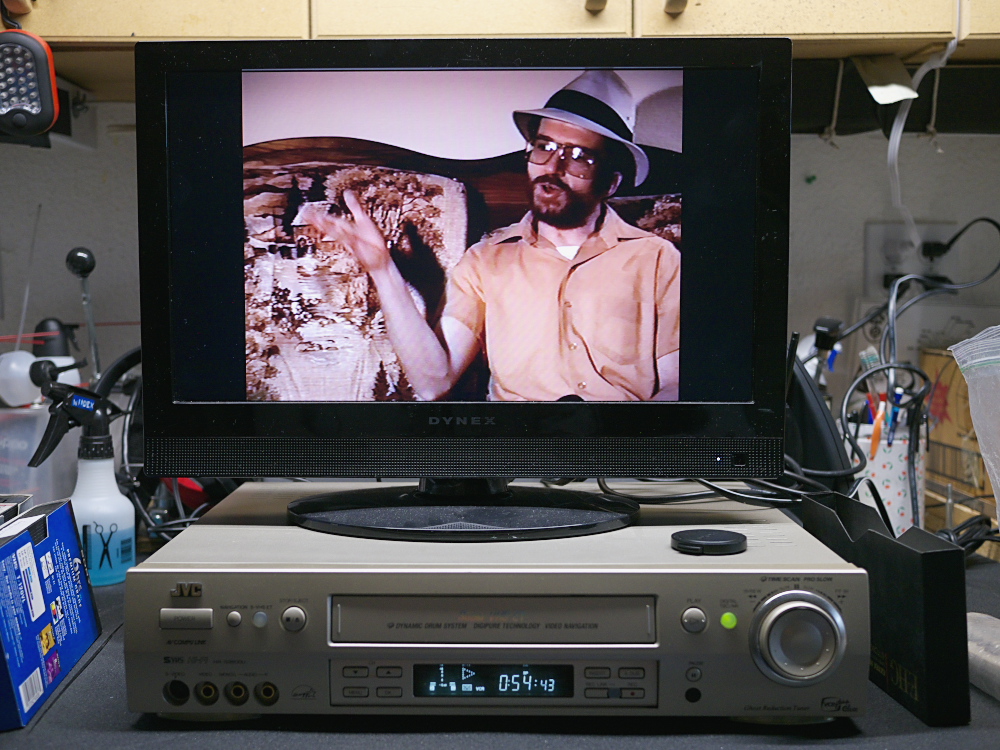
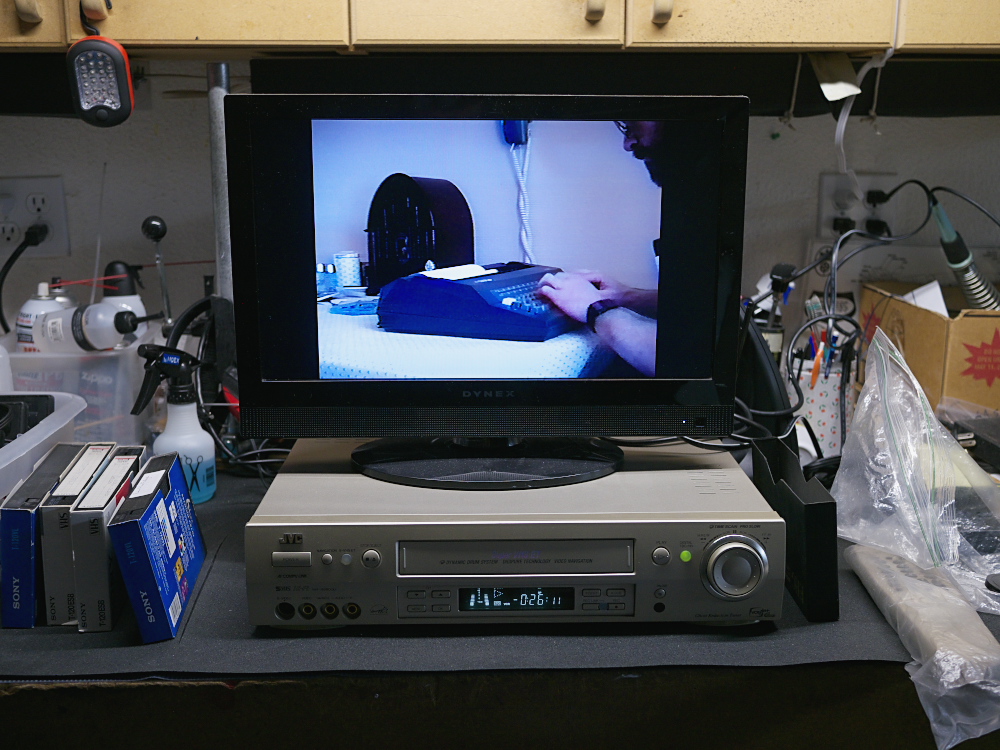
Post-Script: See the screen shot in the top photo? That's from a frame grab of a VHS tape compilation of The Joe Show, circa 1991. Was I actually wearing a salmon-colored shirt? And what's the deal with that funky hat? And those glasses ... I've seen better looking safety goggles. Boy do I remember that old couch. I think it was from Country Dan's. Massive wooden construction. Country-motif pictorial illustrations on the cushions - that never stayed put, always slid down and fell behind the back frame of the couch (notice the cushion behind me has already slipped down) and had to be continually adjusted. I was also a lot skinnier back then; so was everyone.
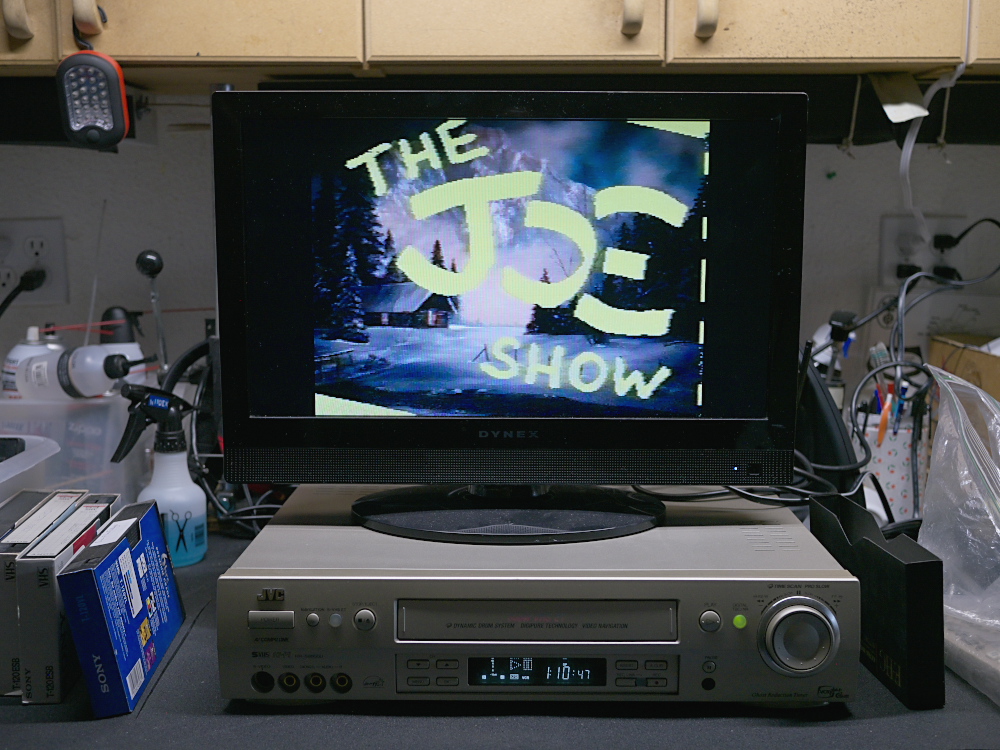
Here's more Joe Show goodness. First one of the intro graphics. My old Canon Hi8 camcorder had a feature called "matte," permitting you to take a matte shot of something, in this case hand-written titles, and overlay them, in a selection of colors, atop live video. Here the background was a Christmas greeting card.
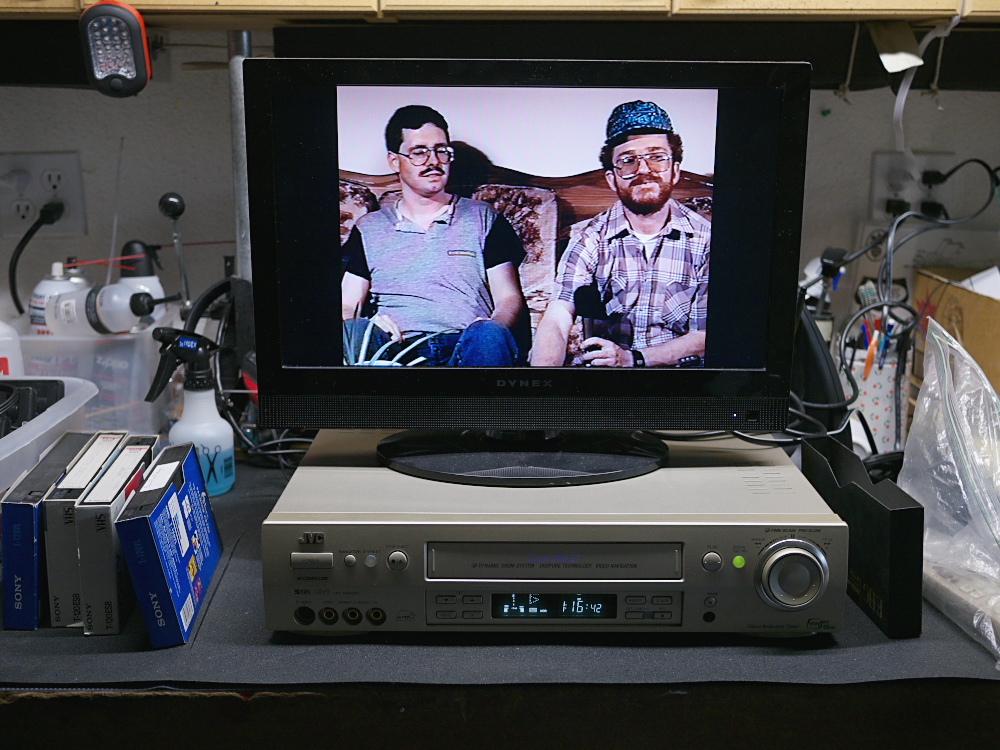
Next is from a different episode, me in a different shirt and hat (what the heck's the deal with the hat? And why does it look too small?) with my friend Bob, a co-conspirator. Notice the handheld microphone, which I still have to this day.
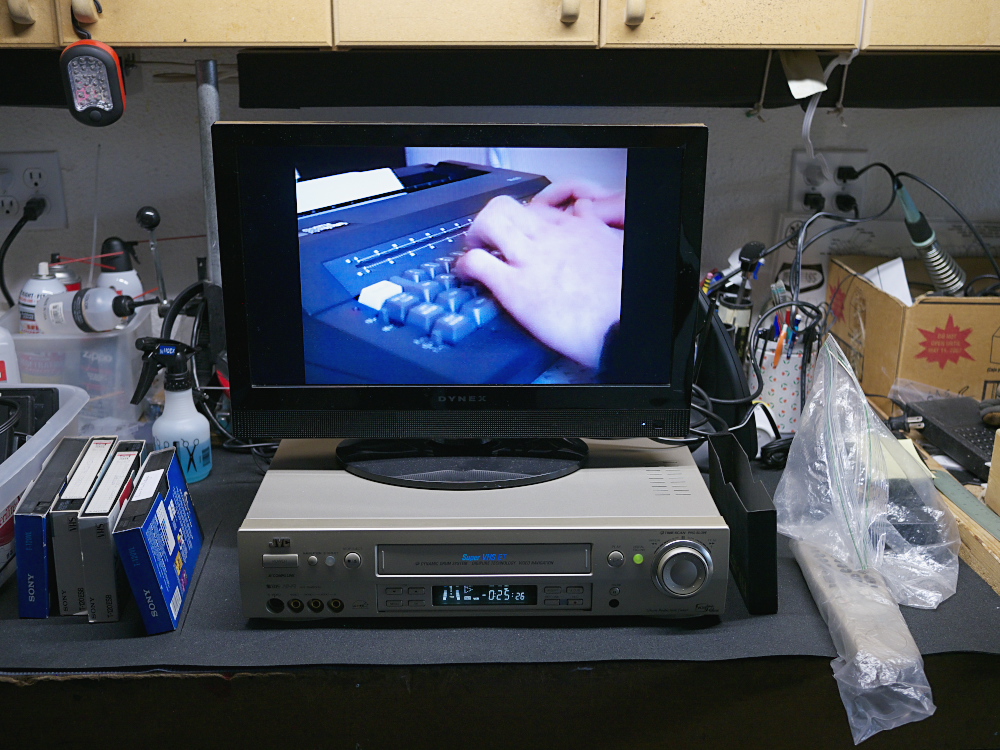
These next two frames are from a little "drama" I made, some Z-grade spy drama that was really an exercise in montage and editing, using my then-newly-acquired JVC editing VCR. Note my newer JVC is what I'm using to play back the tape; it was purchased in 2001 and is still like new. These two shots are of my Smith-Corona 100 daisy wheel electronic typewriter. This clip is historically my very first typewriter video.
Watching a handful of these old productions was a bit painful, not only for how dorky I looked back then, but the production values were pretty low. Kind of like a bad SNL skit, absent the talent. Perhaps I'll get one transferred and uploaded to YouTube, for all to enjoy.
Semi-nongratuitous plug to my YouTube Channel, in case you haven't yet visited.
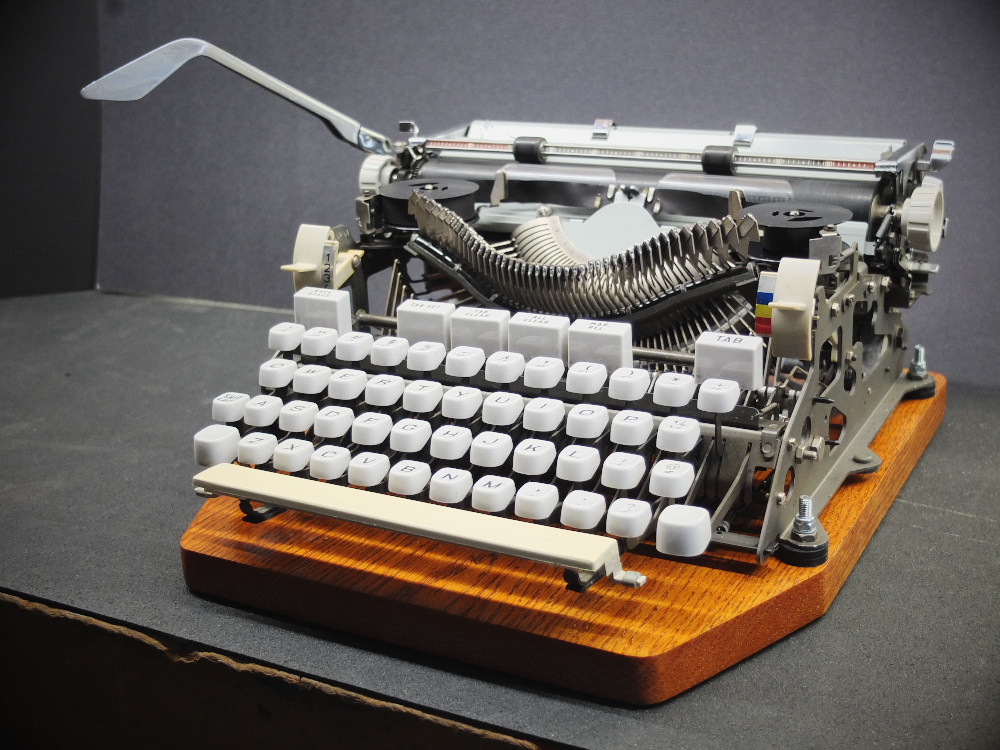
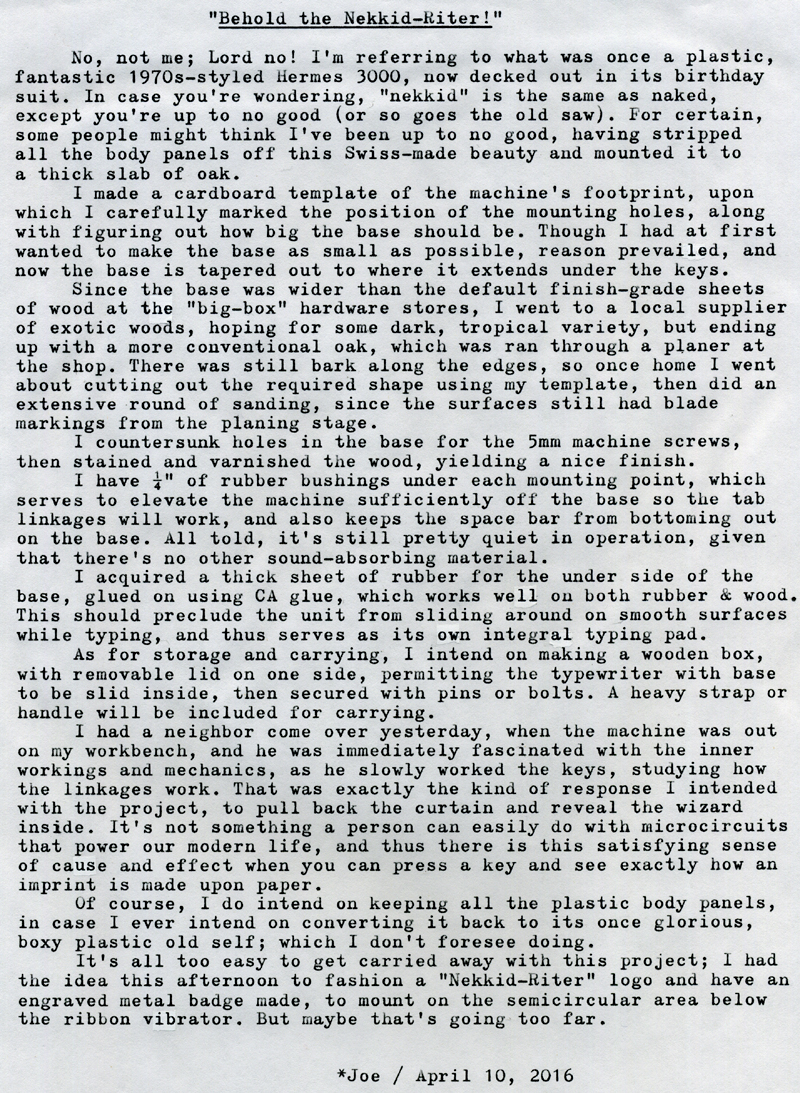
Post-Script: This project came out pretty well. The machine types great, and I love the style of type face. The storage/carrying box project will have to wait for next week at the earliest - unless I get ambitious.
I'm willing to accept differences in spelling the word "nekkid"; I've also seen "nekked." I like the first version because it renders the pronunciation more, um, "red of the neck."
We returned Friday evening from our pleasant Tucson vacation, and I have enough "film in the can" for two more episodes of the Typewriter Video Series. The latest is episode 8, embedded below. I was able to edit and upload episode 7 while we stayed at the Big Blue House B & B; their Internet connection is fast, enough such that it only took about 35 minutes to render and upload an 8-minute video, from the iPad.
I really do wish I could attend the upcoming Tucson Type-In, this summer; perhaps I can makes plans far enough in advance. Living here in New Mexico feels at times like being on the edge of nowhere; unless I get off my butt and do some planning, there'll probably never be an Albuquerque Type-In. Speaking of which, someone who's better-experienced at these should publish an online "How to Conduct Your Very Own Type-In" document, for us newcomers to the genre.
Post-Script: I left the iPad to upload the video, late yesterday evening, and went to bed. This morning I checked the results and upon initial playback on YouTube the video was stuttering and lip sync was terribly off (by several seconds at least), which considerably disheartened me, as that implied I'd have to delete the video and start over from scratch. But then I had the good sense to check it on my laptop PC, and much to my relief it played fine. The problem appears to be the iPad itself, a continuation of the same sort of problems I was having while performing the edit yesterday.
So afterwards, I hard-booted the iPad and it subsequently played the video just fine. I realize now what caused the problems. Prior to yesterday's edit, I deleted from the iPad all the video footage, audio clips, project files and finalized video from last week's introductory episode (which I normally do, to make room for the new project), but failed to hard-boot the tablet afterwards. As such, it must have still allocated memory space for those now deleted files, so once I loaded onto it the new files for this week's video, it was running out of temporary work space in memory. Just another lesson learned, something I'll have to add to my document on how to edit video on an iPad.
I'm not certain if I like the video style I applied to the footage in-camera. It's called a "high dynamic" feature, which renders the highlights and shadows with more detail in the kinds of high-contrast lighting that often creates harsh tones on video cameras. It certainly does render the scene with more detail in what would otherwise be harsh, overly dense shadows, helpful in that I was wearing a hat and my face would otherwise have been partially obscured in shadow; and the highlights don't appear to be blown out, but the color is a bit too vivid for my taste. Unfortunately, the iMovie software for the iOS platform doesn't provide for adjustment of video properties like color saturation and contrast, so I may have to do more experimentation with in-camera adjustments.
I know I made some mistakes in my dialog, and should have re-shot some of the scenes. In particular, at one point I confused the "half-space" feature with "half-line advancement". And I didn't mention the middle, mimeograph stencil position on the ribbon selectors, nor did I make mention of the platen clutch button on the left platen knob of the Olivetti. Then there's the whole subject of segment shift versus carriage shift, which explains the difference in the ribbon color selector switch positions between those four machines. But I have opportunity to cover those features in a subsequent episode involving how to load paper and type.
As indicated in the typecast above, I had initially included scenes that detailed how to use the half-space feature, enabling the insertion of a missing letter into an already typed line, but it got deleted from the project in an effort to shorten the running time to below the 15 minute limit, required by iMovie and YouTube. I'll just have to make an even more detailed episode at a later date, dedicated to this feature; which will also reinforce my desire to have shorter-length segments, easier for me to edit and probably easier for you to watch, as well.
I've found it a challenge wearing two hats at once, involving both technical production and creative content, as on the one hand I have to concentrate on dialog once in front of the lens, but otherwise have to focus on setup of the camera and audio recorder, and review of the results between takes, all the while trying to ignore passersby in the park who might want to strike up a conversation or otherwise distract me. But this is the fun of being a one-man video shop, certainly challenging but also rewarding when it does work.
Post-Script: Of course, after I finished that preliminary list of ideas, I came up with more. Such as:
Scanning & typecasting; Uploading or hosting typewriter images; Dust covers; Gatherings/Type-Ins; Living with both typewriters and spouses; Typewriting as letterpress; Typewriters as wedding guest books; Loaning out typewriters; Teaching others about typewriters; Spreading the word; Electric typewriters; Typewriters for writers; Typewriters for classrooms; Typewriters and kids; Online typewriter resources; Street typing; Typewriter fonts; Selling typewriters.
This should keep me busy enough for the next few months; while in the meantime, if I think of any more photography-related videos, I'll work on them also.
I might have mentioned in a previous blog article, but it's taken a concerted effort to make the iPad a workable video editing platform with my video camera, considering that the camera lacks inputs for an external microphone; which means, if I want to use a lavaliere mic, I have to record the audio into a standalone audio field recorder, then get those clips into the iPad via the circuitous method of going through my PC and iTunes. But it's less expensive than buying a new camera.
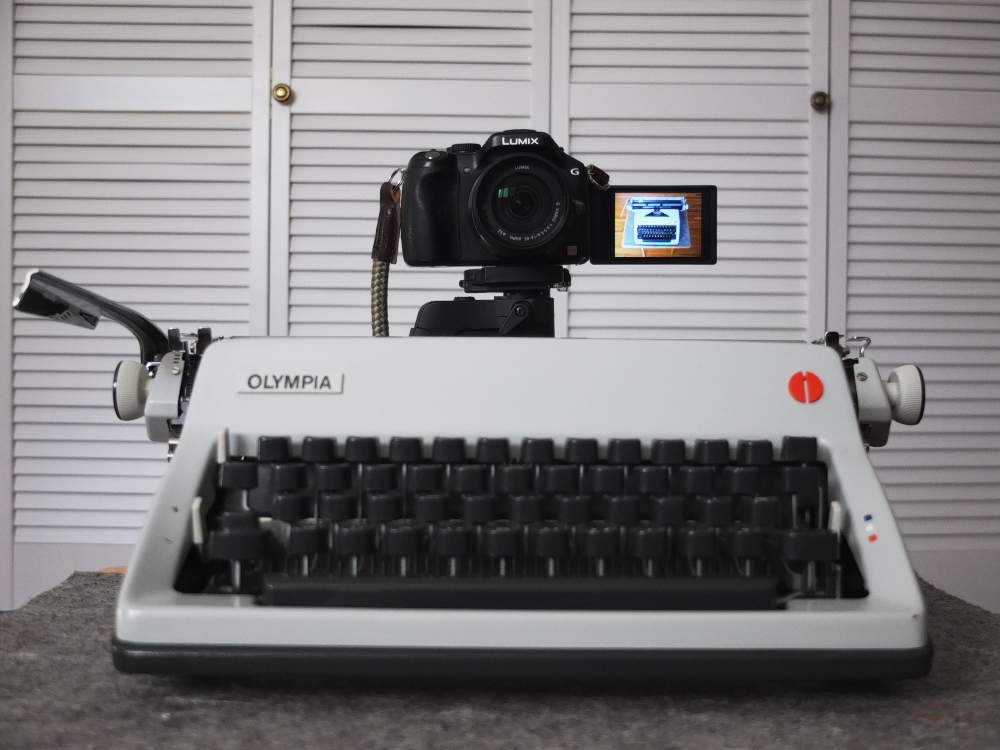
Photo of Lumix G5 and Olympus SM9 via Fujifilm X10. Typecast via Olympus SM9.
PPS: You might have noticed the typewriter image in the viewfinder of the Lumix G5 camera doesn't match in color the actual typewriter; that's because I had mistakenly left its white balance on some custom setting from last week. These things, of course, you only notice after it's posted for all the world to see.